![NC_Wide_Original-Jun-20-2023-06-44-51-1367-PM.png]](https://support.nicheacademy.com/hs-fs/hubfs/NC_Wide_Original-Jun-20-2023-06-44-51-1367-PM.png?height=30&name=NC_Wide_Original-Jun-20-2023-06-44-51-1367-PM.png)
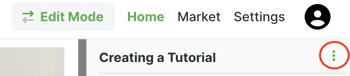
Click into your tutorial you want to move; click the three vertical dots icon next to the tutorial title.
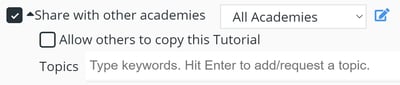
 Click the Share with other academies checkbox, and then click the Edit icon.
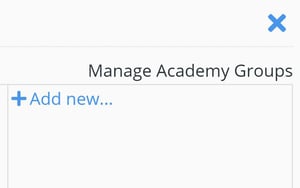
 Then, click Add new... in the groups column.
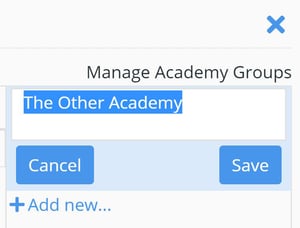
 Enter a name for the group and then click Save.
 Now, click Add Academies and select My Academies, By Email, or Associated Academies.
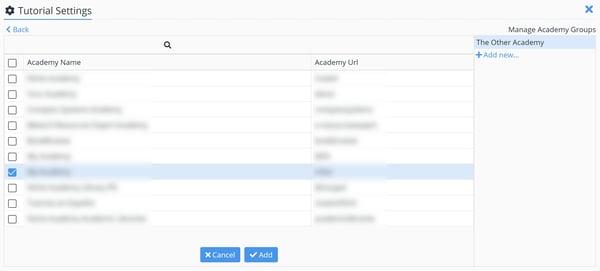
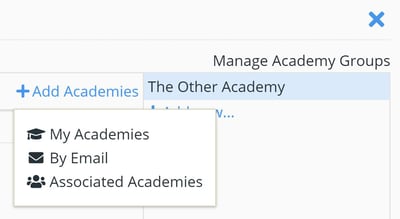 In My Academies, you can select other academies for which you are an administrator. If you select By Email, enter the email address for an administrator of the academy you’d like to share with. And, with Associated Academies, you can select academies that are a part of your organization—even if you aren’t an administrator for those academies. No matter which method you choose, select the academies you’d like to group together and click Add.
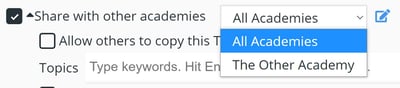
 Click "Back" to return to the main settings page, click the "Academies" dropdown menu, and select the appropriate group. Also enable the "allow others to copy this tutorial" option right below the share with other academies option.
Once these are both changed, go to the marketplace of your other academy you want to move the training to, and search for the tutorial name in the marketplace, and click add.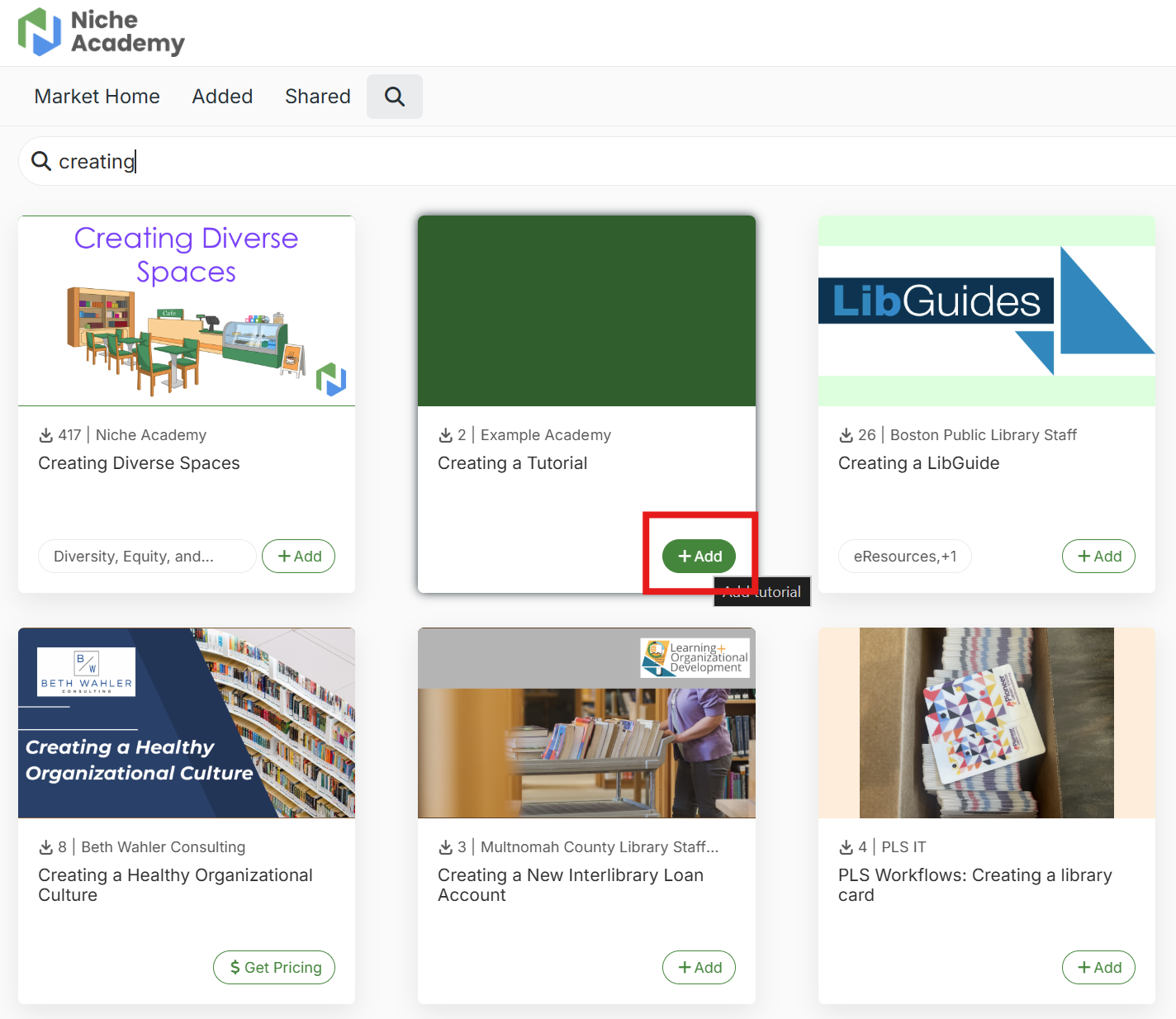
Once added, go to your homepage, and find the tutorial you just added.
Make sure you are not in learner mode, and click the three dots at the bottom right of the tutorial and click "copy."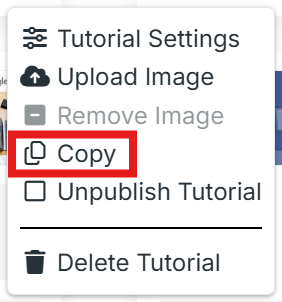
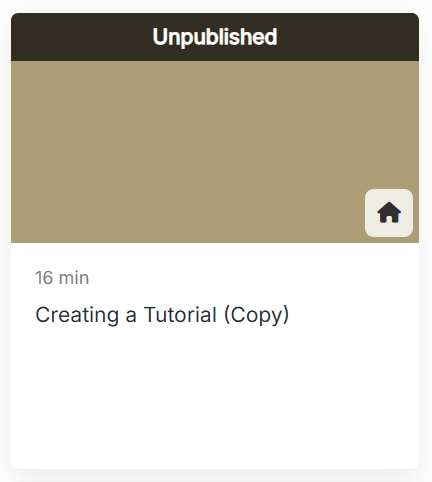
Once copied, there will be a copied version of the tutorial you just added in your academy. Now you can remove the original non-copied version of your tutorial from the academy. Once you've verified you have copied the tutorial correctly and can edit everything in the copied tutorial, you can unshare the original tutorial.