![NC_Wide_Original-Jun-20-2023-06-44-51-1367-PM.png]](https://support.nicheacademy.com/hs-fs/hubfs/NC_Wide_Original-Jun-20-2023-06-44-51-1367-PM.png?height=30&name=NC_Wide_Original-Jun-20-2023-06-44-51-1367-PM.png)
Log in to your Niche Academy account, and click the person icon in the top right corner of the screen.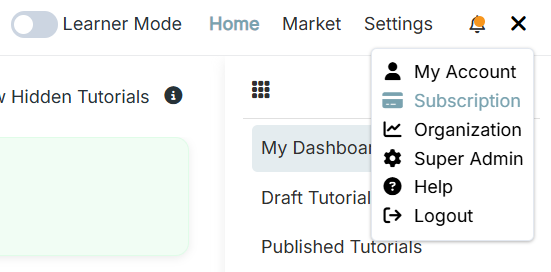
From the dropdown menu, select "Subscription". And click "Update Plan," located just below the free trial text at the top of the page.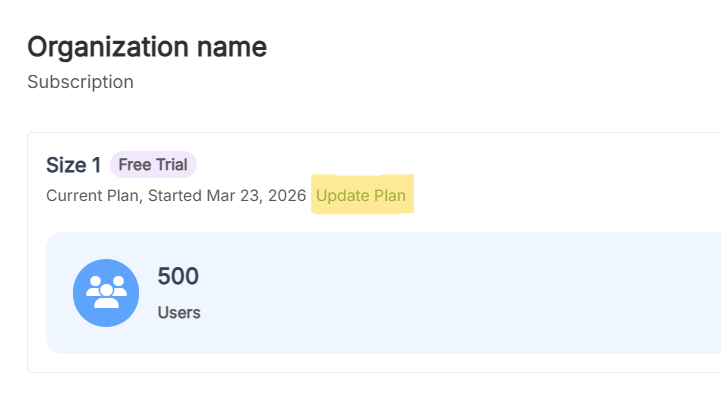
On the next page, choose your preferred billing cycle, Yearly or Monthly. Then select the plan that matches your organization's service population.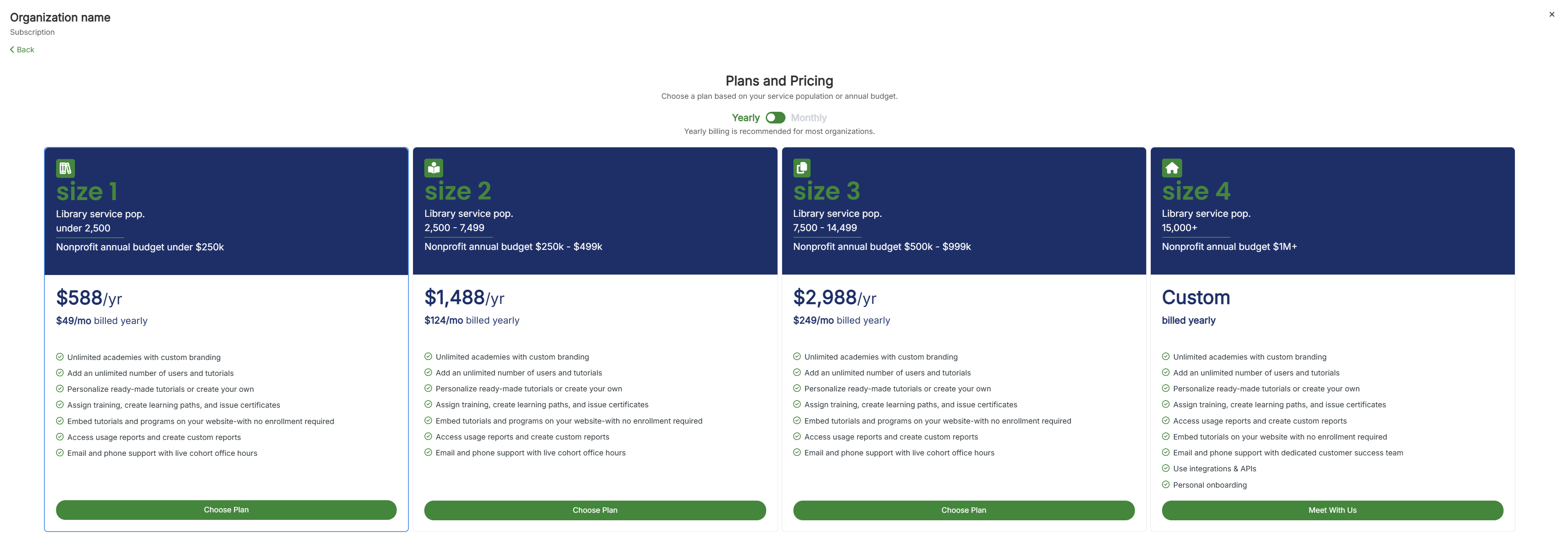
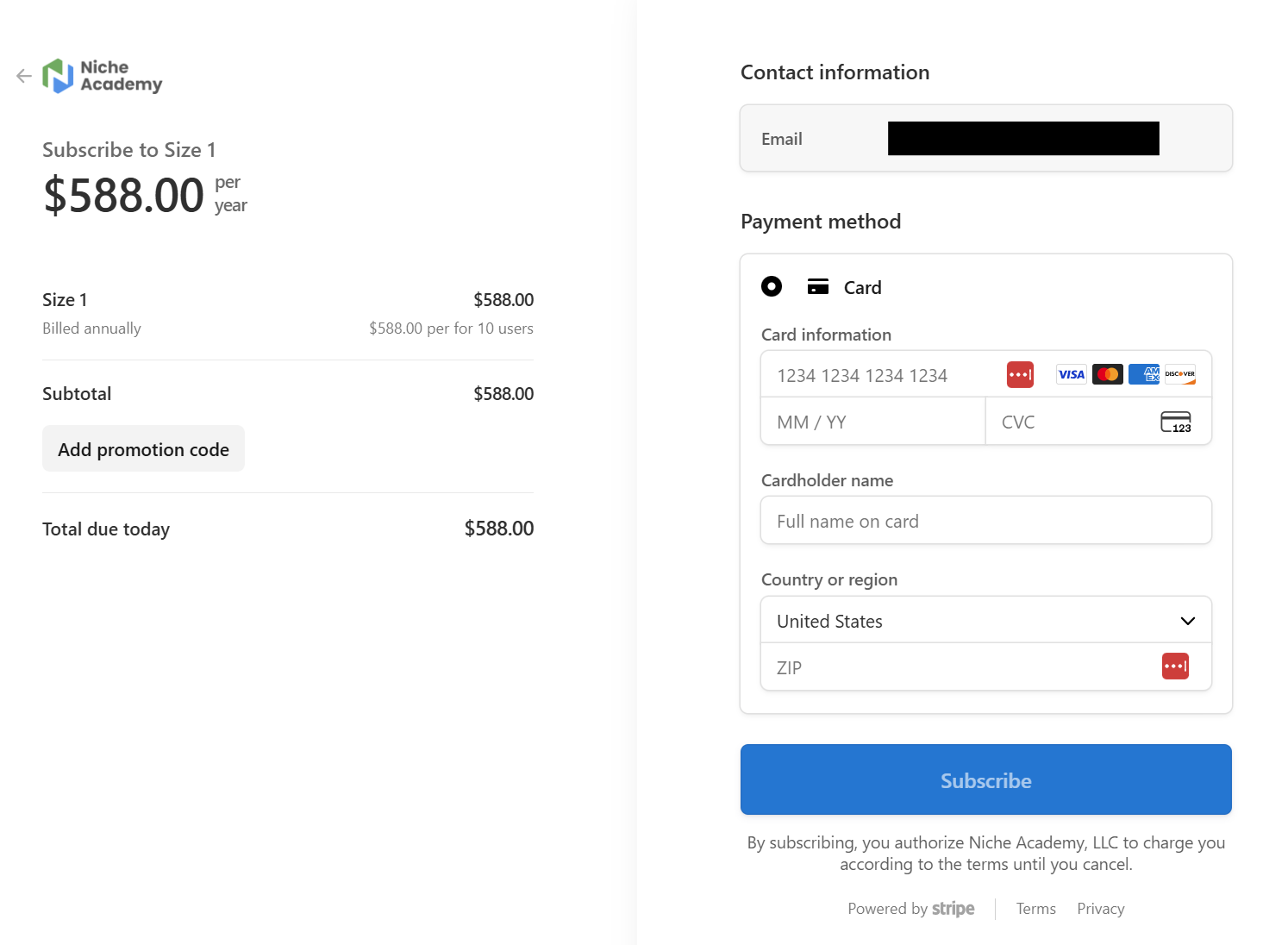
You will be taken to a payment screen. Enter your payment details and click subscribe to complete your subscription.